
Family Home Evening
Made Simple.
Stop stressing about assignments and schedules. Organize your family with automated rotations, reminder emails, and song integration.
Unlock every feature free for 10 days • Risk-free startup • Cancel anytime.
Everything you need to succeed
Click a feature below to see how it works.
Smart Scheduling
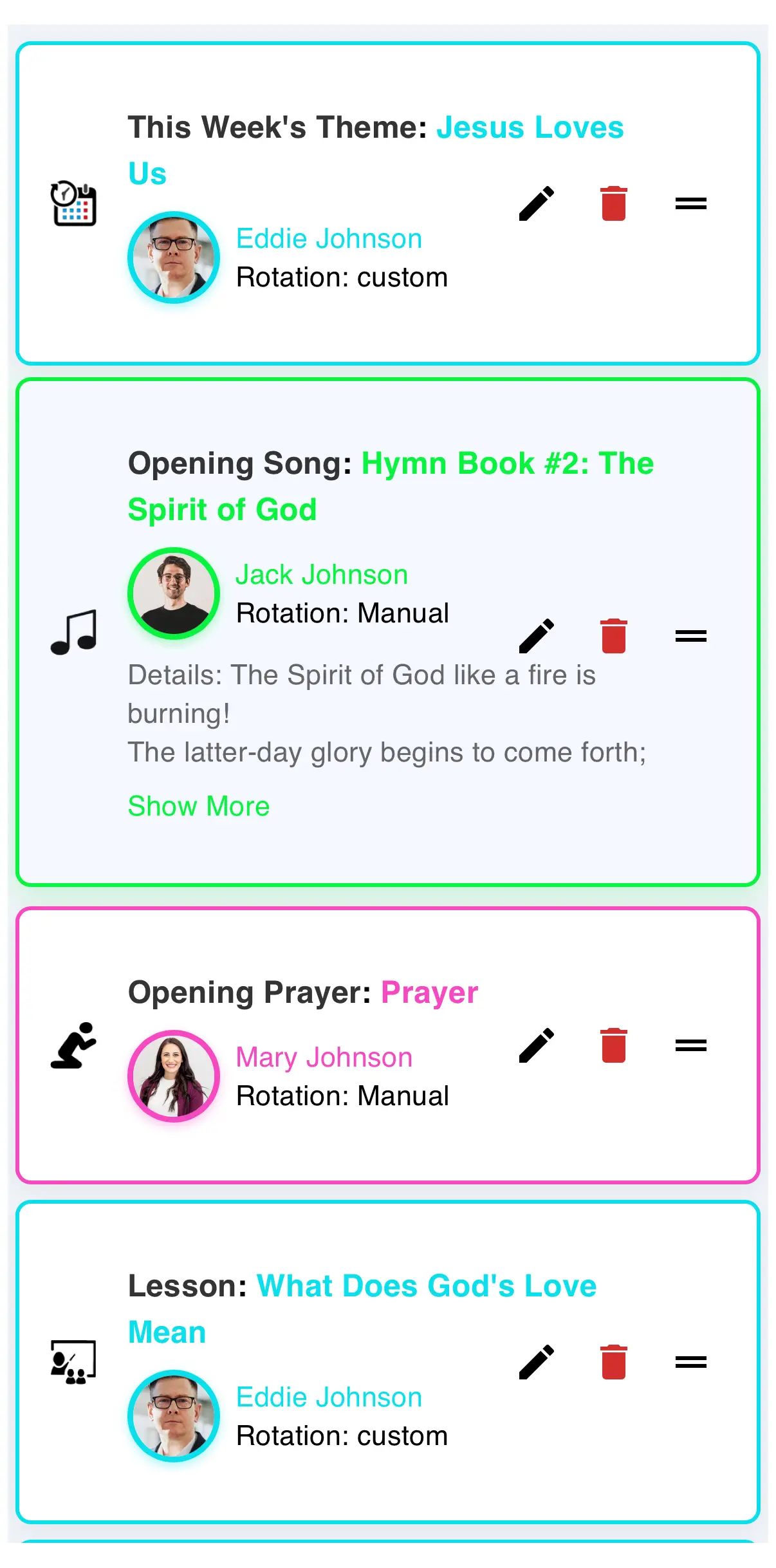
Assignments rotate automatically, so everyone gets a turn.
Family Manager
Add members, set personal colours, and choose how roles rotate.
Hymn & Song Database
Search every hymn and children's song — verses fill in for you.
History & Calendar
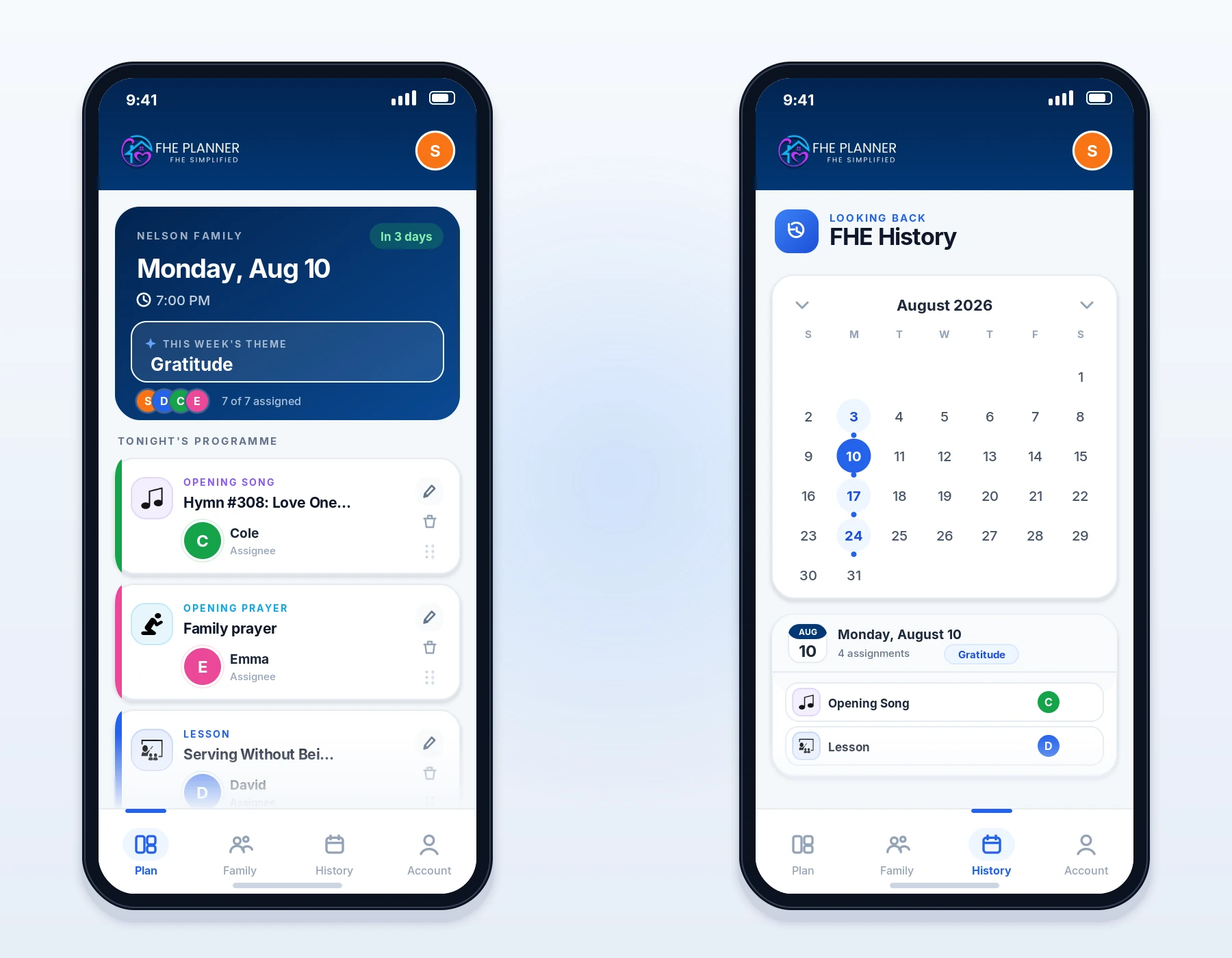
Pick any date on the calendar and see exactly what you did.
Loved by Families
Join the families making their FHE nights better.
"We used to argue about who was praying or picking the song. FHE Planner completely solved it!"
- The Johnson Family
"The hymn book integration is a lifesaver. No more scrambling for a songbook at the last second."
- The Nelson Family
"My kids actually get excited to see their names on the dashboard. It's made Monday nights so much smoother."
- The Peterson Family
"Finally, a way to track our family goals and lessons without a messy paper calendar on the fridge."
- The Smith Family
"We used to argue about who was praying or picking the song. FHE Planner completely solved it!"
- The Johnson Family
"The hymn book integration is a lifesaver. No more scrambling for a songbook at the last second."
- The Nelson Family
"My kids actually get excited to see their names on the dashboard. It's made Monday nights so much smoother."
- The Peterson Family
"Finally, a way to track our family goals and lessons without a messy paper calendar on the fridge."
- The Smith Family
Install as an App
On a phone it behaves like a native app — a tab bar at the bottom, pull to refresh, and it opens straight from your home screen.
iPhone / iOS
- Open Safari and tap the Share icon at the bottom.
- Scroll down and select "Add to Home Screen".
- Tap Add and the icon will appear on your phone!
Android / Chrome
- Open Chrome and tap the three dots in the corner.
- Select "Install app" or "Add to Home screen".
- Follow the prompt and you're all set!