
Family Home Evening
Made Simple.
Stop stressing about assignments and schedules. Organize your family with automated rotations, reminder emails, and song integration.
Unlock every feature free for 10 days • Risk-free startup • Cancel anytime.
Everything you need to succeed
Click a feature below to see how it works.
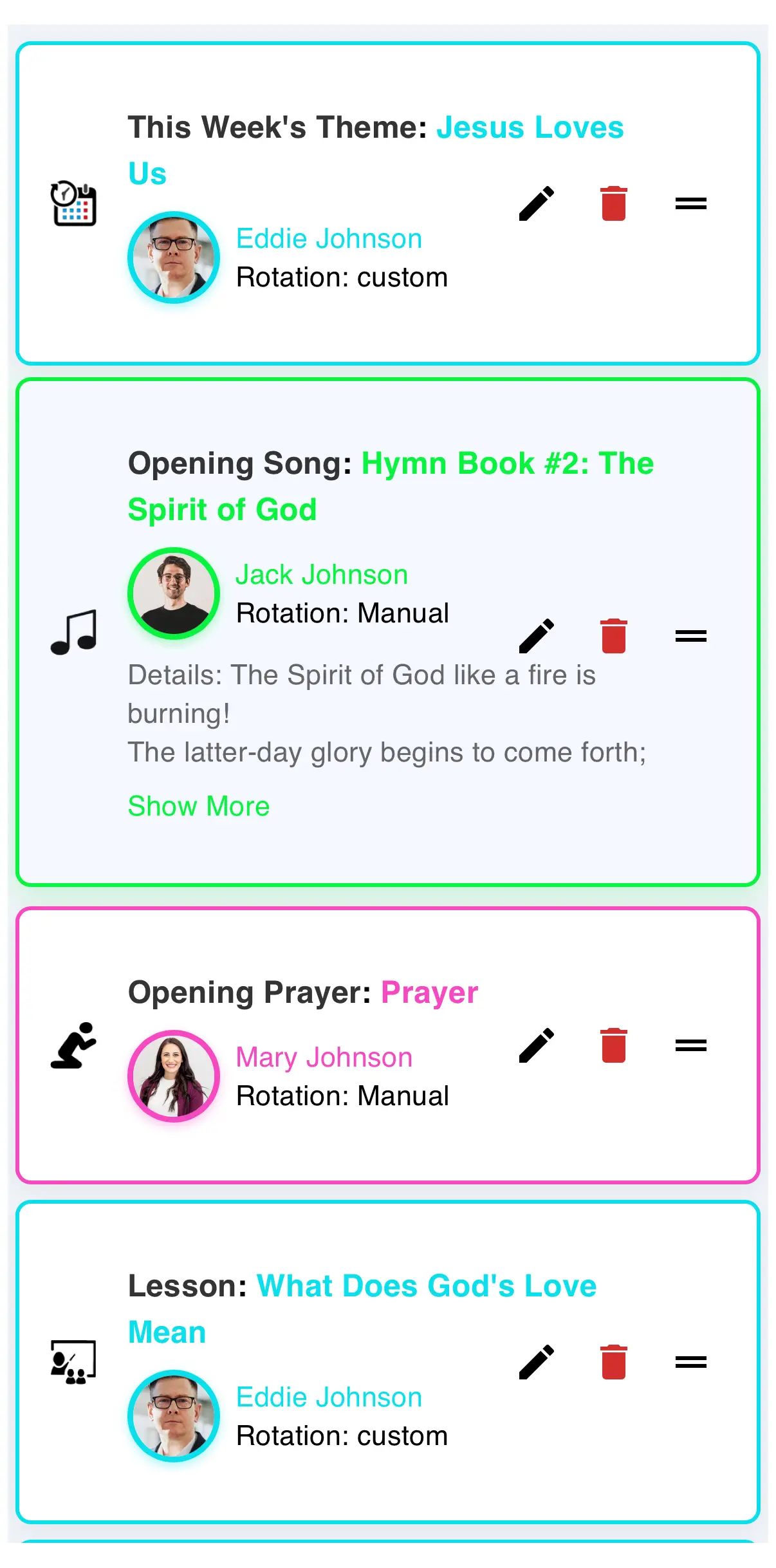
Smart Scheduling
Auto-rotate assignments so everyone gets a turn.
Family Manager
Add family members, track ages, and manage roles.
Hymn & Song Database
Instant access to LDS hymns and children's songs.
History Tracking
Look back at what you did last week, month, or year.
Loved by Families
Join the families making their FHE nights better.
"We used to argue about who was praying or picking the song. FHE Planner completely solved it!"
- The Johnson Family
"The hymn book integration is a lifesaver. No more scrambling for a songbook at the last second."
- The Nelson Family
"My kids actually get excited to see their names on the dashboard. It's made Monday nights so much smoother."
- The Peterson Family
"Finally, a way to track our family goals and lessons without a messy paper calendar on the fridge."
- The Smith Family
"We used to argue about who was praying or picking the song. FHE Planner completely solved it!"
- The Johnson Family
"The hymn book integration is a lifesaver. No more scrambling for a songbook at the last second."
- The Nelson Family
"My kids actually get excited to see their names on the dashboard. It's made Monday nights so much smoother."
- The Peterson Family
"Finally, a way to track our family goals and lessons without a messy paper calendar on the fridge."
- The Smith Family
Install as an App
Access FHE Planner directly from your home screen just like a regular app.
iPhone / iOS
- Open Safari and tap the Share icon at the bottom.
- Scroll down and select "Add to Home Screen".
- Tap Add and the icon will appear on your phone!
Android / Chrome
- Open Chrome and tap the three dots in the corner.
- Select "Install app" or "Add to Home screen".
- Follow the prompt and you're all set!